

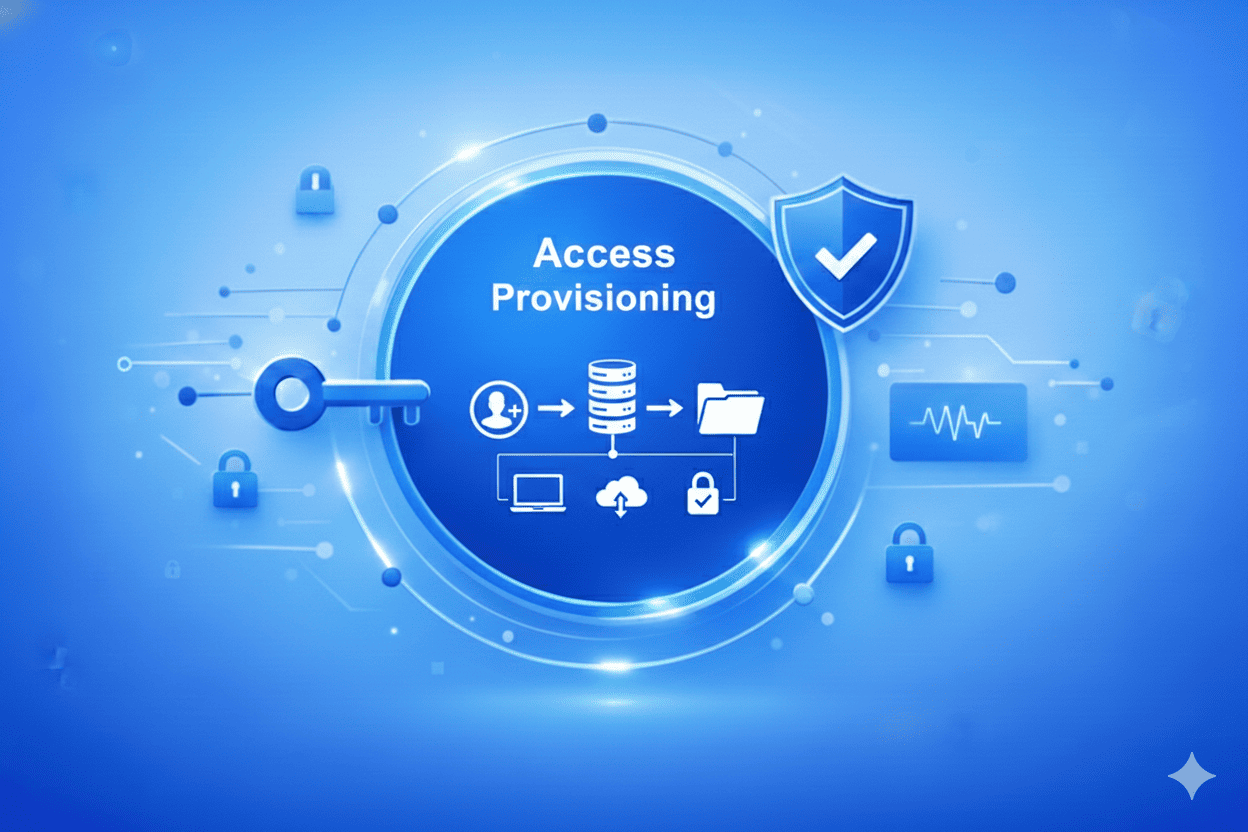

Giving someone access to a system isn’t just flipping a switch. It’s opening a door. And like any open door, it brings both opportunity and risk. Every time you create a new user account or assign permissions, you’re potentially introducing a vulnerability. What might seem like a routine task can quietly become a security concern if not managed carefully. In today’s cybersecurity landscape, convenience alone isn’t enough. That’s where smart access provisioning comes in. It’s about being intentional. Who should have access? When should they get it? And most importantly, why? Every access point should have a clear purpose and follow well-defined policies. In this blog, we’ll explore what access provisioning really is, how it fits into the broader identity and access management lifecycle, and how automation can turn it from a manual burden into a secure, efficient system that protects your data while supporting productivity.
What is Access Provisioning?
Access provisioning means giving users the right level of access to the systems, data, and applications they need for their jobs. The main goal is to make sure the right people have the right access at the right time, while keeping compliance and control.
Provisioning in Identity and Access Management (IAM) works like a smart security guard that manages user access at all times. When someone’s role changes or they leave, their permissions are updated or removed right away, reducing risk. This lifecycle helps organizations stay compliant, secure, and efficient.
Why Access Provisioning Matters?
Access provisioning plays a critical role in cybersecurity because security starts with controlling access. When organizations lack visibility and structure around who can access systems and data, even the strongest security tools fall short.
When done right, access provisioning prevents threats before they occur saving both time and money for organizations. By ensuring users receive only the access they need and nothing more, organizations reduce exposure, limit misuse, and avoid security incidents instead of reacting to them later.
Let us take a look at why access provisioning is a critical component for organizations today:
- Zero-Delay Onboarding: If automated user access provisioning is missing, new hires receive access to all the necessary tools on day one, eliminating the need for manual IT tickets.
- Effortless Role Changes: When an employee moves departments, permissions automatically adapt, closing potential security gaps.
- Immediate Deprovisioning: The moment an employee leaves, all system access is revoked in real time.
- Audit-Ready Records: Every login, change, and approval is tracked for compliance and transparency.
- Intelligent Access Control: Smart systems continuously monitor and flag unusual or risky behavior for immediate review.
What are the Different Methods of Access Provisioning?
Earlier, we talked about what access provisioning is and why it matters. Now, let’s take a closer look at the different methods of access provisioning. The user access provisioning process can vary based on organizational structure and security maturity. Below are the primary models that define the provisioning of access in enterprises today.
1. Discretionary Access Provisioning (DAP)
Here, the resource owner, such as a department head or system admin, decides who gets access. While it’s flexible and cost-effective, it often leads to inconsistency, human error, and scalability issues. For organizations managing multiple departments or compliance standards, this method requires careful oversight and standardized user access provisioning policies.
2. Self-Service Access Provisioning (SAP)
In this model, users can request access directly through a user access provisioning portal or dashboard. Once the request passes automated approval checks, access is granted instantly. This approach empowers employees, reduces IT workload, and accelerates productivity while maintaining control through policy-based automation.
3. Workflow-Based Access Provisioning (WAP)
Workflow-based provisioning follows a set approval path. For example, a request might go to a manager first, then to IT, and finally to compliance. Each step in the process is documented, creating a clear audit trail that supports both accountability and regulatory compliance. This approach is a key part of group-based access management in industries where oversight is essential.
4. Role-Based Access Provisioning (RBAP)
With role-based provisioning, access is linked to set roles. For example, a sales executive gains CRM access, while finance staff receive accounting tools. This method reduces manual work and supports best practices, such as the principle of least privilege.
5. Attribute-Based Access Provisioning (ABAP)
This flexible model uses user details, such as department, location, or clearance, to determine access. For instance, only HR staff in the U.S. office can have access to payroll data. This approach fits well with Adaptive Security and Zero Trust strategies.
6. Temporary or Just-in-Time (JIT) Provisioning
JIT provisioning gives temporary access for certain times or tasks, like when a developer needs to apply a patch. Access ends automatically when the task is finished, lowering the risk of insider threats.
7. Federated Access Provisioning
With large organizations or partner networks, federated provisioning lets users access many systems with one trusted identity. This smooth setup helps with both growth and compliance in mixed IT environments.
How Does Access Provisioning Work?
The access provisioning process is more than a technical step; it’s a strategic function of Identity and Access Management(IAM).
Here’s how a modern, automated system like AuthX brings it all together:
- User Profile Creation: Integration with HR or directory systems automatically creates digital identities with role-based attributes.
- Role Mapping and Policy Match: Predefined policies instantly determine what access each user requires.
- Request and Approval Flow: When additional access is requested, it follows automated approval workflows.
- Access Granted or Denied: Approvals trigger instant provisioning through secure integrations.
- Continuous Monitoring: AI tracks access usage and flags anomalies.
- Periodic Review and Certification: Automated access recertification prevents privilege creep.
- Deprovisioning on Exit: Departing employees lose access instantly, with no manual intervention.
- Audit Trail and Compliance: Every action is logged for transparency.
- System Integration: Syncs with HR, IT, and cloud environments for unified control.
- Security Enforcement: Applies MFA, geo-fencing, and adaptive risk controls post-provisioning.
Common Challenges in Access Provisioning
Access provisioning is essential for productivity, but without the right structure, it can quickly become a security liability. Many organizations struggle to balance convenience with control, leading to gaps that attackers can exploit.
Below are some of the most common challenges teams face, along with why modern IAM solutions like AuthX are designed to address them.
1. Over-Permissioning - Too Much Access, Too Often
One of the biggest risks is giving users more access than they actually need. This breaks the principle of least privilege and exposes sensitive data or systems unnecessarily. Without proper governance, a single over-permissioned account can become a gateway for breaches.
2. Lack of Visibility
When there’s no centralized dashboard to show who has access to what, security teams lose control. Blind spots across multiple systems make it hard to spot risky users, detect policy violations, or identify redundant privileges.
3. Orphaned or Forgotten Accounts
Old user accounts that belong to former employees, vendors, or contractors often remain active long after they’ve left. These “orphaned identities” are open invitations for attackers. Effective provisioning includes timely deprovisioning to block these backdoors.
4. Human Error in Manual Processes
Manual provisioning may look easy, but it’s one of the most common sources of access mistakes. Users receive incorrect permissions, approvals are delayed, or important accounts are overlooked entirely. Automation drastically reduces these errors and ensures consistency.
5. Inconsistent Policies Across Departments
When each department sets its own rules for access, chaos follows. Different approval standards and access levels lead to uneven security controls. A unified, organization-wide policy framework is critical for enforcing consistency and compliance.
6. Disconnected Systems
When HR systems, directories, and identity tools don’t sync in real time, changes in user status like promotions, transfers, or exits don’t update quickly enough. These delays leave systems exposed to outdated permissions or unauthorized access.
7. Compliance and Audit Gaps
Incomplete records or missing approval trails can make audits painful. Regulatory frameworks such as HIPAA, SOX, and ISO 27001 require full visibility into who accessed what, when, and why. Without automation and audit trails, maintaining compliance becomes nearly impossible.
8. Challenges in Hybrid Infrastructure
Managing access consistently across cloud, on-premises, and SaaS environments is complex. Each platform behaves differently, and manual syncing between them often creates inconsistencies and coverage gaps.
9. Lack of Real-Time Monitoring
Provisioning doesn’t end when access is granted; it must also be monitored. Without continuous visibility, suspicious or unauthorized behavior can go undetected for months. Real-time access monitoring is essential for proactive threat detection.
10. Forgotten Temporary Access
Temporary access is meant to expire automatically after use, but in many organizations, it doesn’t. If the short-term access remains active indefinitely, users end up keeping privileges they no longer need, which increases insider threat risks.
Benefits of Automating Access Provisioning
Automation transforms access provisioning by replacing slow, manual processes with consistent, policy-driven workflows that improve speed, security, and compliance simultaneously. New users can be onboarded faster with the right access from day one, while role changes and offboarding are handled automatically to prevent access sprawl and orphaned accounts. Let us take a look at few important benefits of automating access provisioning.
1. Efficiency and Productivity
Automated systems streamline the user access provisioning process, enabling instant onboarding, faster role changes, and error-free deprovisioning.
2. Security by Design
Automation enforces consistent policies and eliminates human mistakes, instantly revoking access when employees leave.
3. Built-in Compliance and Auditing
Every action in the access provisioning software is logged which supports audits and regulatory requirements with minimal effort.
4. Cost Savings
Automating access provisioning can lead to significant cost savings and operational efficiency. For large enterprises, studies have shown potential annual savings of around $3.5 million, with some organizations reporting reductions as high as $8.9 million depending on the scale and complexity of their systems.
5. Enhanced User Experience
Automated access provisioning improves the user experience by ensuring employees, partners, and contractors receive the right access at the right time without delays. New hires can start productive work immediately, role changes are reflected quickly, and access requests are fulfilled consistently without long approval cycles or repeated follow-ups.
6. Scalability
As organizations grow and adopt more applications, cloud services, and remote work models, manual access provisioning becomes increasingly difficult to manage. Automated access provisioning scales effortlessly across users, systems, and environments by applying standardized policies and workflows.
Best Practices in User Access Provisioning
Effective access provisioning is not just about granting access; it’s about doing it right. When done well, it strengthens security, boosts efficiency, and ensures compliance across the organization. Here are some key best practices that every modern enterprise should follow, and how platforms like AuthX make them simple and scalable.
1. Follow the Principle of Least Privilege
Ensure users receive only the minimum access required to perform their role. Limiting permissions to essential tasks minimizes the risk of accidental or intentional misuse and helps contain potential damage if an account is compromised.
2. Conduct Regular Access Audits
Access rights should never be “set and forget.” Regularly review user permissions to identify outdated access, unnecessary privileges, or orphaned accounts. A good solution provides centralized visibility and automated reporting, making periodic reviews effortless and audit-ready.
3. Implement Access Certification
Access certification ensures users still need the permissions they hold. Managers should periodically validate active access to confirm ongoing relevance. The solution simplifies this with automated recertification workflows prompting managers to approve, adjust, or revoke access in one click.
4. Strengthen Authentication Controls
Even the best provisioning strategy can fail without strong authentication. Reinforce access with Multi-Factor Authentication (MFA) or passwordless options like Biometrics, Mobile push, or Passkeys.
5. Keep Documentation Clear and Up to Date
Transparent documentation of access policies, procedures, and decisions helps maintain accountability and simplifies compliance checks. With the right solution, every access action from request to approval to removal is automatically logged and time-stamped for full traceability.
6. Invest in Security Awareness Training
Technology alone can’t solve everything. Regularly train employees on secure access practices, phishing awareness, and password hygiene. A well-informed workforce is your first line of defense against identity-based attacks.
7. Use Automated Provisioning Tools
Manual provisioning is slow, inconsistent, and prone to human error. Automation brings speed, accuracy, and security. The solution automates provisioning and deprovisioning across all, systems ensuring users receive the right access instantly and that inactive accounts are revoked immediately.
Final Thoughts
Access provisioning has changed from a manual IT task to a critical part of enterprise identity security. With solutions like AuthX, organizations can unify and automate their entire identity and access provisioning lifecycle, ensuring secure, real-time control over who gets access, when, and why. Whether through group-based access management, policy-driven automation, or zero-delay onboarding, AuthX makes provisioning smarter, faster, and safer. This transforms how modern enterprises protect their people and data.
FAQs
What is the fundamental difference between Access Provisioning and User Management?
Access Provisioning is the act of granting, modifying, or revoking a user’s permissions to systems and data. User Management is the broader umbrella that includes provisioning, plus activities like creating user accounts, managing passwords, and monitoring user activity. Provisioning is a core task within overall User management.
Why can't we just rely on IT tickets and manual requests for access?
Manual provisioning through IT tickets is slow, prone to human error, and creates significant security risks. When access is handled manually, permissions often pile up over time (access sprawl), leading to employees having more access than they need. Automated provisioning ensures instant security compliance and saves your IT team immense time.
What is "access sprawl," and why is it dangerous?
Access sprawl is the gradual build-up of unnecessary permissions a user retains as they change roles or departments. It’s dangerous because every unused permission is a potential backdoor for a hacker to exploit. Proper access provisioning, especially automated and workflow-based methods, ensures permissions are immediately revoked when no longer needed.
How does Access Provisioning relate to a Zero-Trust security model?
Access provisioning is the engine of Zero Trust. A Zero-Trust model operates on the principle of “Never Trust, Always Verify“. Effective provisioning ensures that every single user’s access is precise and limited to the bare minimum required for their job (least privilege), reinforcing the core principle of Zero Trust.
Which type of provisioning is best for my growing organization?
While older methods like Discretionary Access Provisioning (DAP) may be simple for very small teams, a growing organization should focus on Automated Access Provisioning combined with Workflow-Based Access Provisioning (WAP). This combination provides the best balance: WAP handles structured approvals for sensitive data, and automation ensures immediate, consistent, and error-free management for everyone else.