

If a user denies an MFA request five times and then approves it on the sixth, that isn’t authentication. It’s just giving in. And that’s exactly what is happening across the world.
With 81% of breaches still stemming from weak or stolen credentials and 94% of users admitting to password reuse, a single minor leak can cost you an entire digital life. Even our standard defense, MFA, is now buckling under a “Fatigue Crisis” that sees over 380,000 annual attacks; nearly 1,000 daily, aimed at tricking frustrated users into granting unauthorized entry. Now the question is: do we keep patching these cracks, or can we step into the new era where Multi-factor Authentication (MFA) and Passwordless Authentication come into play!
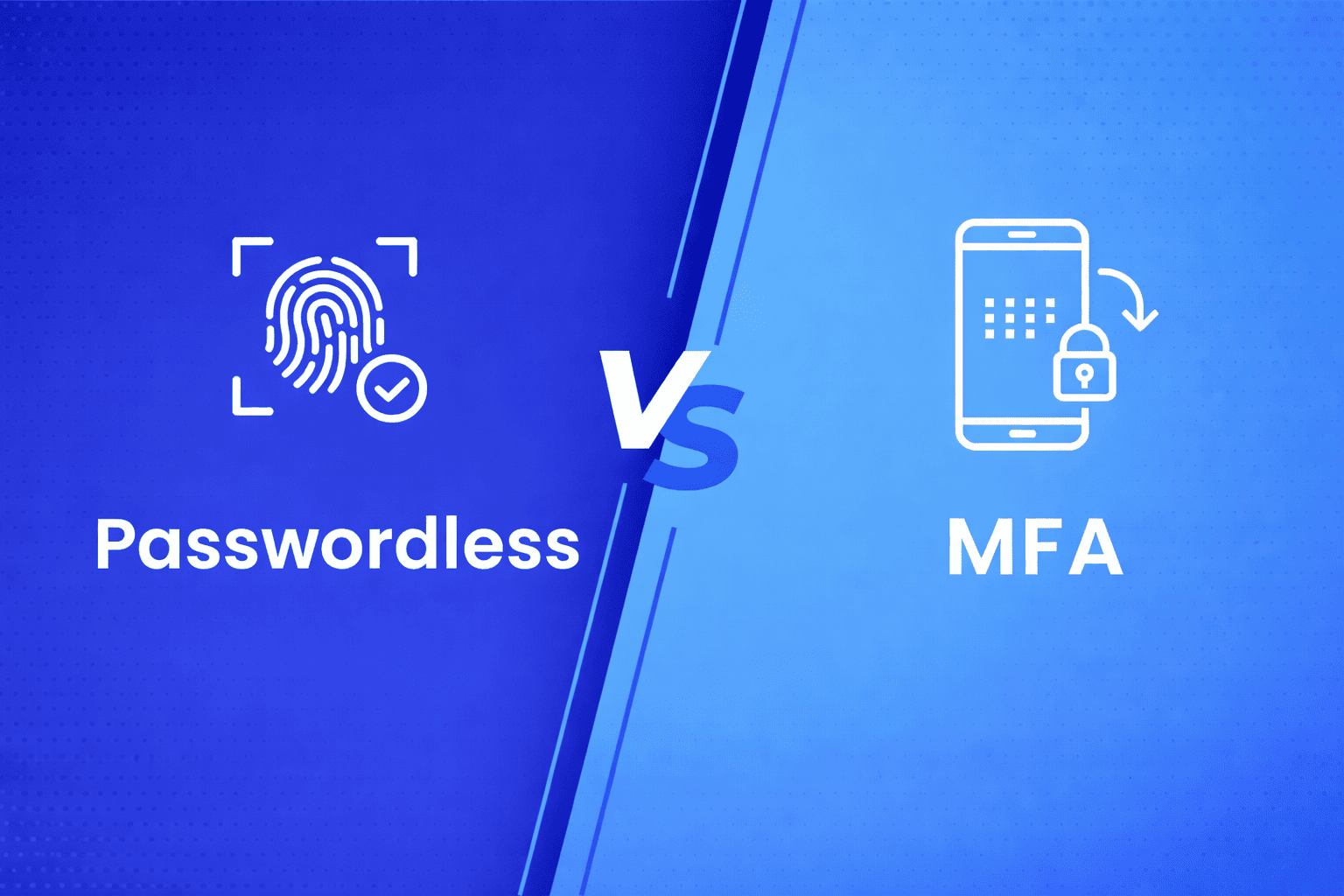
Both options help organizations balance strong security with a better user experience, but when it comes to Passwordless vs MFA, which approach actually works best for your business?
This article cuts through the noise. We’ll explore the key differences between passwordless vs MFA, and help you decide which authentication model suits best for your organization.
MFA vs. Passwordless Authentication: Understanding the Difference
The table below highlights the key differences between Passwordless Authentication and MFA.
| Criteria |
Multi-Factor Authentication (MFA) |
Passwordless Authentication |
|---|---|---|
| Primary Goal |
Add extra layers of verification to reduce password compromise. |
Eliminate passwords entirely to remove the attack surface. |
| User Experience |
Moderate friction due to codes or verification steps. |
Frictionless; users authenticate via Biometrics, Badge Tap, or Passkeys. |
| Security Strength |
Strong, but still depends on password hygiene and MFA setup. |
Stronger, removes password reuse and phishing risks. |
| Setup Complexity |
Easier to implement as an add-on to existing logins. |
Requires integration with modern Passwordless IAM platforms. |
| Risk Exposure |
Vulnerable if primary passwords are breached. |
Minimal or no passwords to steal or phish. |
| Compliance Support |
Fits right into the systems you’re already using. |
Requires provisioning of hardware tokens or registered endpoints. |
What is Passwordless Authentication?
Think of Passwordless Authentication as a secure way to unlock your digital life without ever typing a secret code. Mostly, logging in depends on a “knowledge factor”; basically, a secret like a password that you and the website both know. The problem is, passwords can be shared, forgotten, or stolen by scammers and malware. By removing the headache of a password from the equation, you take away the hacker’s powerful weapon
Types of Passwordless Authentication
Passwordless Authentication takes the spot of traditional logins with fast, secure, and user-friendly alternatives: no passwords, no resets, no friction. Here are the most common methods that are redefining how people sign in:
1. Biometric Authentication (Face or Fingerprint)
Users verify their identity using Biometric Authentication such as facial recognition or a fingerprint scan, which is quick, natural, and nearly impossible to replicate.
2. Magic Links
A secure, one-time link is sent to the user’s email or mobile device. Clicking it instantly logs them in, eliminating the need to remember or type credentials.
3. Push Notifications
A login request appears on a trusted device, allowing users to approve or deny access with a single tap, fast, intuitive, and highly secure.
4. Passkeys
Passkeys are a modern passwordless login method that helps users replace traditional passwords with cryptographic keys. By swapping typed-out secrets for on-device biometrics, you make logins faster and, after all, virtually unhackable.
5. One-Time Passwords
An OTP (One-Time Password) is a temporary, auto-generated code that adds a second layer of security to your login. Unlike a static password, it works for a single session and expires within minutes, making it difficult for hackers to reuse your credentials.
Benefits of Passwordless Authentication
Adopting passwordless authentication helps you strengthen security, protect your organization, and transform how your organization operates.
Let’s understand the benefits of Passwordless Authentication:
Security
When there’s no password to steal, hackers lose their easiest weapon. Nearly 95% of attack methods, from phishing to brute-force, become ineffective. In the passwordless vs MFA debate, passwordless often wins for delivering the highest level of defense.
User Experience
Passwordless Authentication takes seconds, not minutes. Users log in using a Fingerprint, Face ID, or Mobile Push. No more password resets or forgotten credentials slowing productivity.
Massive Cost Savings
Every password reset costs around $70 in IT time and productivity. Organizations those who are adopting passwordless authentication have reduced authentication costs by 60-65%, allowing IT teams to focus on innovation rather than managing password recovery.
Future-Ready Security
Passwordless Multi-Factor Authentication is the future of how the next generation will authenticate. Over one-third of enterprises plan to adopt it within three years, gaining an early advantage in cybersecurity, compliance, and user satisfaction.
Passwordless Authentication is one of the most powerful and user-friendly solutions in modern cybersecurity and stands out in the ongoing Passwordless Authentication vs MFA debate, especially for enterprises across the world.
What Is MFA (Multi-Factor Authentication)?
Think about the last time you logged into your online banking account, typed your password, and then confirmed your identity with a code sent to your phone. That simple two-step process is Multi-Factor Authentication (MFA) in action.
MFA strengthens security with one more step, more than just a password. It asks you to prove your identity using multiple independent factors, making it far harder for attackers to break in, even if they’ve stolen one piece of information.
Here’s how MFA works:
- Knowledge Factors – Something only you know, like a password, PIN, or security question.
- Possession Factors – Something you have, such as your phone for verification codes, a hardware token, or a smart card.
- Inherent Factors – Something you are, including Biometrics like fingerprints, facial recognition.
Most MFA systems require at least two of these to grant access. This approach shuts the door to unauthorized entry; even if a password is compromised, attackers still can’t bypass the additional verification steps. It’s one of the simplest and most effective ways to strengthen identity security across your organization.
Types of Multi-Factor Authentication (MFA)
Multi-Factor Authentication (MFA) comes in multiple forms, each adding an extra layer of protection to safeguard accounts from unauthorized access. By combining something you know, have, or are, MFA ensures that even if one factor is compromised, attackers still can’t break through.
1. SMS or Email OTP (One-Time Passcode)
A temporary code sent to your phone or email adds a quick layer of verification. It’s one of the simplest ways to deploy because it uses existing communication channels.
2. Time-Based One-Time Password (TOTP)
A Time-based One-Time Password (TOTP) is a short-lived numeric code, which is valid for just 30 to 60 seconds, generated by an app or hardware token to verify your identity.
Authenticator apps like AuthX Authenticator, Google or Microsoft, offer a more secure way to handle TOTPs by generating codes directly on your smartphone. As these codes will be on your device rather than sent via SMS or email, it will be difficult for hackers to intercept.
3. Hardware Tokens
Physical devices such as YubiKeys or RSA tokens generate or transmit authentication codes. Some connect directly via USB or NFC, offering one of the strongest protection methods available, as they require a tangible object, your physical key, to gain access.
4. Biometrics
Biometric Authentication is the most certain way to confirm your identity as it uses your unique physical or behavioral traits. While a password is something you know (and can forget) and a token is something you have (and can lose), biometrics are who you are. This creates a trustworthy link between you and your data, finally making traditional passwords obsolete.
Benefits of MFA
Multi-Factor Authentication (MFA) adds a critical layer of security by verifying users through more than just a password. By combining something a user knows, has, or is, MFA significantly reduces the risk of unauthorized access while maintaining a balance between security and usability. Let us take a look at few of the benefits of MFA:
Fewer Breaches with Stronger Security
MFA builds multiple checkpoints between attackers and your data. Even if your password is stolen, they cannot gain access without your second verification factor, such as a mobile push notification or biometric scan. This simple step helps prevent unauthorized access attempts.
Flexible and Gradual Deployment
You don’t have to roll it out everywhere at once. Start with your most critical systems and privileged accounts, then expand gradually. Modern MFA software integrates seamlessly into existing IT environments, making adoption smooth.
Seamless Integration Across Systems
From cloud-based apps to legacy platforms, MFA works almost everywhere with minimal setup. Whether it’s your email, VPN, or internal tools, most solutions seamlessly integrate into your current workflow without requiring major changes.
Proven and Measurable Results
The numbers speak for themselves. Organizations using MFA report drastic drops in credential-related breaches and phishing attacks. It’s a proven, cost-effective security layer that delivers immediate impact, protecting your users, data, and brand reputation.
For many organizations weighing MFA vs Passwordless Authentication, MFA stands out for its flexibility and compatibility. It’s a proven, practical solution that integrates easily with existing systems while improving security across users and devices.
When to Choose MFA vs Passwordless Authentication?
The choice between MFA (Multi-Factor Authentication) and Passwordless Authentication depends on your organization’s goals, technology maturity, and budget. Both deliver strong security, but each method stands out under different circumstances.
The pointers below help you decide what fits best or whether a hybrid approach works better.
Choose MFA When:
You need to strengthen security fast
- MFA is quick to deploy and integrates easily with most existing systems. It’s ideal when you need an immediate security boost without major infrastructure changes or downtime.
You have a limited upfront budget
- MFA costs 60–70% less to implement initially compared to passwordless authentication. For organizations working with tight budgets, it provides strong protection without requiring a significant investment.
You rely on legacy systems
- Older systems built a decade or more ago often can’t support modern passwordless standards like FIDO2 all the time. MFA bridges that gap, enhancing protection while keeping existing platforms operational.
You want a gradual transition
- Implementing MFA first helps your users get comfortable with multi-step logins. It also enables IT teams to test workflows, monitor adoption, and identify friction points before transitioning to a fully passwordless system.
You already meet compliance standards
- If your current MFA setup aligns with frameworks like HIPAA, PCI DSS, or NIST, there’s no rush to overhaul your system. You can maintain compliance and plan a future upgrade at your own pace.
Choose Passwordless When:
User experience is a top priority
- Adopting Passwordless authentication removes the frustration of remembering passwords. Users log in 40% faster with Biometrics, Mobile Push, or Passkeys. This smoother experience directly boosts productivity, satisfaction, and user experience. When the login process is effortless, users are less likely to look for “workarounds” or use weak, recycled passwords.
You’re modernizing or building new systems
- If your organization is undergoing digital transformation, it’s the ideal time to adopt passwordless authentication. Without legacy system constraints, passwordless authentication integrates easily into new architectures, future-ready from day one.
You’re focused on long-term savings
- While setup costs are higher, passwordless authentication drastically reduces ongoing expenses. No more password resets, lockout calls, or IT tickets, cutting helpdesk costs by up to 50% annually.
You manage highly sensitive data
- When protecting critical systems, such as healthcare records, financial data, or government networks, only the highest level of protection will suffice. Passwordless authentication blocks 99.9% of phishing and credential-based attacks compared to 60–80% with standard MFA.
You want to future-proof your security
- The world is moving beyond passwords. Industry experts predict passwordless authentication will become the global standard within the next 3–5 years. Investing now means your organization stays ahead, avoiding costly retrofits in the future.
Consider a Hybrid Approach
Many organizations start with MFA as a foundation, then transition to Passwordless Authentication over 12–18 months. This transition into a hybrid strategy offers the best of both worlds: a smooth learning curve for users, minimal IT disruption, and a clear roadmap toward a truly password-free future.
In short, MFA helps you build stronger defenses now, while passwordless positions your organization for the security landscape of tomorrow.
Final Takeaway
When comparing Passwordless Authentication to MFA, both significantly strengthen security, but in different ways. MFA adds layers to what already exists, while passwordless redefines access entirely by removing the weakest link: the password itself.
For organizations seeking both top-tier security and a frictionless user experience, passwordless authentication is not just the future; it’s the smarter, faster, and more secure way forward.
FAQs
What is the main difference between Passwordless and MFA?
MFA adds a second verification layer (like a code) on top of a password, whereas passwordless authentication removes the password entirely, using Biometrics or Security Keys for access.
Is Passwordless Authentication more secure than MFA?
Yes, because it eliminates the password, the most common target for hackers, and replaces it with phishing-resistant authentication factors like Passkeys that are nearly impossible to steal or replicate.
Can organizations use both MFA and Passwordless together?
Absolutely. Many companies use a hybrid model, evolving toward passwordless MFA to combine layered defense with a modern, friction-free login experience.
What are examples of Passwordless Authentication methods?
Common methods include Biometrics (FaceID/Fingerprint), hardware security keys (YubiKey), Mobile Push notifications, and modern FIDO2/WebAuthn passkeys.
How does MFA work compared to Passwordless?
MFA requires “something you know” (password) plus another factor; passwordless skips the “knowing” part and relies purely on possession (your device) and fingerprint (your biology).
Is Passwordless Authentication difficult to implement?
Not anymore. Modern IAM platforms like AuthX allow for fast, scalable integration across cloud and hybrid environments using simple APIs and SDKs.
Which method is more user-friendly?
Passwordless wins for UX by removing the need to remember complex strings; users simply log in with a quick tap or scan, whereas MFA often requires slower, manual steps.
Does Passwordless Authentication meet compliance requirements?
Yes. It often exceeds standards like HIPAA, NIST, and PCI DSS by providing a phishing-resistant, auditable trail that is ideal for regulated industries like finance and healthcare.
What are the cost benefits of moving to Passwordless?
While the initial setup has a cost, it delivers long-term ROI by eliminating password-reset helpdesk tickets, which are a major drain on IT resources and productivity.
Is Passwordless Authentication the future of secure login?
Definitely. It provides the ultimate balance of high security and high convenience, neutralizing evolving cyber threats by removing the “human error” of passwords entirely.