

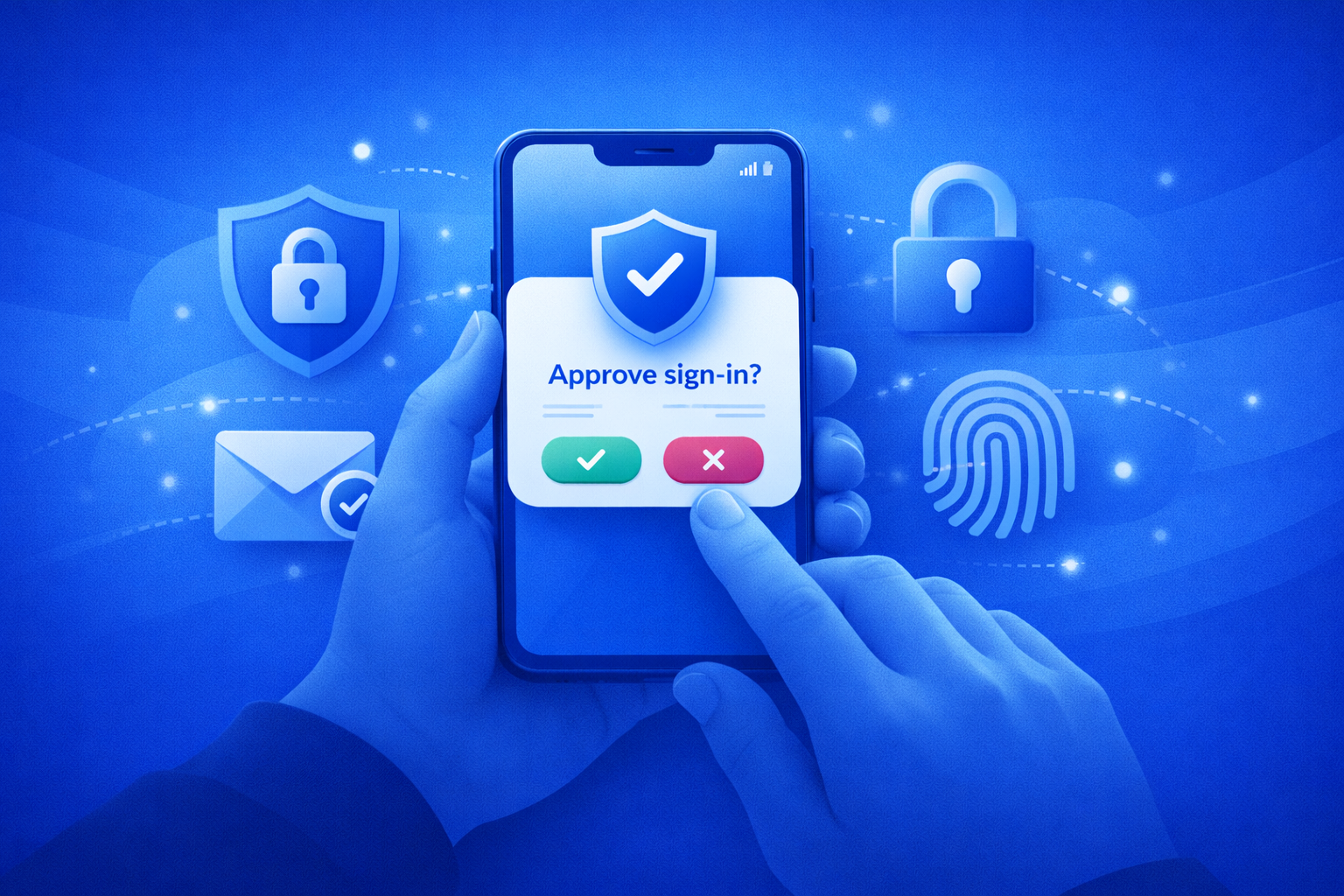

Imagine sitting on your couch, sipping your coffee, when you suddenly get a notification on your phone asking, “Are you trying to sign in?” You haven’t touched your laptop in hours. With a single tap on the “Deny” button, you’ve just stopped a hacker on the other side of the world from accessing your account. That’s what push authentication is all about. It turns your smartphone into a digital key, replacing the password typing method with a simple, high-speed notification.
In this article, we’ll understand what push authentication is, how it works behind the scenes, and why so many businesses are adopting it to streamline access and strengthen security.
What is Push Authentication?
Push authentication is a present-day method that verifies a user’s identity through a push notification sent to a trusted mobile device. The user does not have to enter a One Time Password (OTP) from SMS or Email. Instead, they receive a notification on their smartphone and simply tap “Approve” or “Deny” confirming the login attempt.
The part that makes push authentication powerful is that it works out-of-band. Simply put, the verification happens outside the main login channel, adding an extra layer of protection. While SMS codes, Email OTPs or Magic links can be intercepted, phished, or compromised, Push authentication relies on a secure connection to a verified device. This minimizes the risk of unauthorized access while maintaining a smooth and user-friendly experience.
How Does Push Authentication Work?
Push authentication is a way to check if a user is really who they say they are. It does this by sending a push notification to the user’s registered mobile device. The user gets to decide if the login attempt is okay or not via their mobile.
Here is a step-by-step process of how it works:
1. The User Tries to Log In
A user tries to login using their username and password to get into an application or a system.
2. The System Sends a Login Request to the Authentication Server
The system sees that someone is trying to log in. The system sends a login request to the Identity Provider (IdP) or Authentication server for verification.
3. Push Notification Is Triggered
A secure push notification is sent to the user’s registered mobile device via an authenticator apps like AuthX Authenticator, Microsoft Authenticator, Google Authenticator, etc.
4. The System Checks the Users Identity
The notification shows key details like – Login attempt location, Device information, IP address, Date & Time of request. With this it gets easier for users to identify suspicious attempts.
5. The User Says Yes or No
The user looks at the notification and decides what to do. If everything looks good, they tap “Approve” (Access is granted). If something looks weird or it’s not them logging in, they tap “Deny” (Access is blocked or flagged).
6. Authentication Decision Is Sent Back
The user’s response is securely transmitted back to the server.
7. The User Gets Access
If approved → User is logged in.
If denied → Access is rejected and may trigger alerts or security actions.
They can do this because the system knows it is really them. Push authentication makes sure that only the real user can get in.
What Are the Advantages of Push Authentication?
Push authentication has clear benefits compared to traditional login methods like Passwords and OTPs. It is a choice for both security and seamless user experience.
1. Strong Security You Can Trust
Push authentication is a secure verification method where every login request must be approved on the user’s trusted device. Even if an attacker obtains the user’s password, they cannot gain access without that device. This ensures that only the legitimate user can approve login attempts, effectively preventing unauthorized access.
2. Easy User Experience
Users like push authentication as they do not have to worry about typing passwords or entering SMS codes. They can login to their workstation or applications with just a simple tap which creates a seamless user experience for the users.
3. Fast, Reliable and Affordable
Push notifications are immediately triggered by the Authenticator apps and allows users to verify their identity in a tap.
Whereas in SMS Authentication, codes or passcodes are generally sent by carriers which can be delayed. Not just that, organizations will have to bear the costs of SMS carriers as well which makes Push authentication a comparatively affordable solution.
4. Works Across Devices and Situations
Push authentication works seamlessly across smartphones, tablets, and desktops, making it ideal for modern businesses. It can be used for actions, such as logging into apps, completing payments, unlocking secure files or approving sensitive transactions.
What Are the Challenges in Push Authentication?
While push authentication offers strong security and a smooth user experience, it does come with a few challenges:
1. Reliability on Mobile Devices
Since push notifications are delivered to the user’s registered device, the process becomes difficult if that device isn’t nearby, is powered off, or has been misplaced. It’s important to have the device available at the moment of login for smoother access.
2. Needs Internet Access
Push Authentication requires a stable internet connection, either mobile data or Wi-Fi. In places with weak connectivity, delays or failures can occur, which may temporarily slow down the login process.
3. MFA Fatigue/Spamming
Attackers will send a lot of push notifications to users. This can be really annoying. Users’ might approve one by mistake because they are confused or they think there is a problem with the system.
4. Phishing Vulnerability
It is something that attackers can use to trick users. They use techniques, like AITM kits to get the information they need to log in to a site. Then they will ask users to approve the login on fake sites, bypassing the security.
5. Accidental Approval
Sometimes users will approve things without looking at what they are approving. For example, they might not check where the request is coming from or what app is asking for access or what device is being used, leading to unauthorized access.
Use Cases for Push Authentication across Industries
Push authentication is not just a security upgrade. It directly improves user experience, speeds up access, and reduces reliance on passwords across industries. Here’s how different sectors are using it in real-world scenarios:
Healthcare
Clinicians often need fast, secure access to EHR systems without disrupting patient care. Push authentication enables quick login approvals on trusted devices, reducing delays, and login fatigue. This allows frontline workers to focus more on patient care.
For Example:
A doctor accessing Epic EHR receives a push notification on their mobile device and approves access instantly, instead of entering passwords multiple times during a shift.
Manufacturing
Factory environments rely on shared workstations and shift-based access. Push authentication ensures only authorized workers access critical systems without slowing down operations.
For Example:
A plant supervisor logs into a production control system at a shared terminal and approves access via a push notification, ensuring secure and fast shift transitions on the factory floor.
Education
Students and staff access multiple platforms like learning portals, email, and internal systems. Push authentication simplifies secure access without burdening users with passwords.
For Example:
A university student logs into a learning platform and approves the login through a mobile push notification, avoiding password resets and account lockouts.
IT / Technology
IT teams manage sensitive systems, cloud platforms, and developer tools. Push authentication adds a strong verification layer without interrupting workflows.
For Example:
A developer logging into GitHub receives a push notification to approve access, preventing unauthorized logins even if credentials are compromised.
Government
Government systems handle sensitive citizen data and require strict access controls. Push authentication strengthens identity verification while maintaining ease of use for employees.
For Example:
A government employee accessing a secure internal portal receives a push notification on a registered device, ensuring only verified personnel can access confidential records.
BFSI (Banking, Financial Services, and Insurance)
In BFSI, security is non-negotiable. Users frequently access sensitive financial data, approve transactions, and interact with digital banking platforms. Push authentication adds a secure, real-time verification layer without introducing friction.
For Example:
A customer logging into a mobile banking app receives a push notification to approve the login. Similarly, when initiating a high-value fund transfer, the user must approve the transaction via push authentication, ensuring that even if credentials are compromised, unauthorized transactions cannot proceed.
Comparison Table Between Push Authentication vs SMS Authentication vs Passwords
Below table highlights the key differences between Push Authentication vs SMS Authentication vs Passwords
| Criteria | Push Authentication | SMS Authentication (OTP) | Passwords Only |
|---|---|---|---|
| Security Level | High - Uses device-based approval and encrypted channels. | Medium – Vulnerable to SIM swapping & interception. | Low – Easily guessed, reused, or phished. |
| User Experience | Excellent - One-tap approval, fast and seamless. | Moderate - Requires manual code entry. | Poor - Hard to remember, frequent resets. |
| Phishing Resistance | Strong - User approves specific login requests. | Weak - OTPs can be tricked or intercepted. | Very weak - Highly susceptible. |
| Reliability | High - Works via secure apps with internet. | Medium – Depends on network/SMS delivery. | High – No external dependency. |
| Cost | Low (after setup). | High – Ongoing SMS costs. | Low – Minimal infrastructure cost. |
| Implementation | Moderate – Requires app integration. | Easy – Simple to deploy. | Very easy – Default method. |
| Scalability | High – Suitable for large enterprises. | Medium – Costs increase with scale. | High – Easily scalable. |
| Fraud Risk | Low - Tied to user device and interaction. | Medium to High – SIM swap attacks. | High – Credential stuffing, reuse. |
| Compliance Support | Strong - Supports MFA and regulatory standards. | Moderate - Accepted but less secure. | Weak - Often non-compliant alone. |
| Offline Access | Limited - Requires internet connection. | Possible - SMS can work without internet. | Yes – No connectivity required. |
Future Trends in Push Authentication
Push Authentication is evolving, and the future looks smart, seamless, and largely invisible.
1. Behavioral Biometrics
Instead of asking users to do more, next-gen systems quietly watch how you interact with your typing style, swipe patterns, and even how you hold your device. It’s security that vibes in the background without breaking your flow.
2. Context Is the New Password
Authentication is no longer just “Approve or Deny.” Modern push auth reads the room. It checks things like:
- Where you usually log in from?
- What time are you accessing?
- The network you’re on
- Device health and trust
- How sensitive the app is?
If everything looks normal, you’re in. If something feels off, security measures are automatically activated.
3. Visual Push
Visual Push is an enhanced form of push-based authentication method where users receive a login approval request along with an alphanumeric code that must match on both devices (registered mobile & their system). And not just a simple “Approve” or “Deny.”
4. Face Push
Face push or face authentication is a way to check who someone is, by looking at their face. It works by comparing a picture of the persons face to a saved picture that we know is really them. It is a one-to-one verification process (confirming “I am who I say I am”) mainly used to secure devices, apps, and physical access points.
5. One Experience in all Devices
Work jumps between phones, laptops, and everything in between, and authentication is catching up. Push authentication is evolving to feel seamless and consistent, whether you’re on mobile, desktop, or any future device.
Conclusion
Push authentication is a powerful and secure method of user verification. It enhances security while providing a frictionless user experience.
By implementing push authentication with AuthX, organizations can reduce the risk of unauthorized access and add a stronger layer of protection to their authentication workflows.
Ready to enhance your authentication strategy? Book a free trial today!
FAQs
What is mobile push authentication?
Mobile push authentication allows users to authenticate by responding to a secure push notification sent to their smartphone through an authenticator app.
How do push notifications work for authentication?
When a login is initiated, the authentication server sends a request to the push authentication app, which delivers a notification to the user.
What is push notification-based authentication used for?
Push notification-based authentication is commonly used to add an extra security layer during login, replacing passwords or complementing them in multi-factor authentication flows.
Is push authentication considered as a two-factor authentication?
Yes. Two-factor authentication push is a form of MFA where users confirm identity using something they have (their mobile device) in addition to their primary login credentials. (such as passwords)
How is push authentication mobile different from SMS authentication?
Push Authentication mobile uses encrypted app-based notifications, while SMS authentication relies on text messages, which are more vulnerable to interception and SIM-swapping.
Why is push based authentication replacing traditional methods?
Push-based Authentication is gaining adoption over traditional methods like SMS-based authentication and Passwords, because it delivers faster login experiences, stronger security, and reduced user friction comparatively.