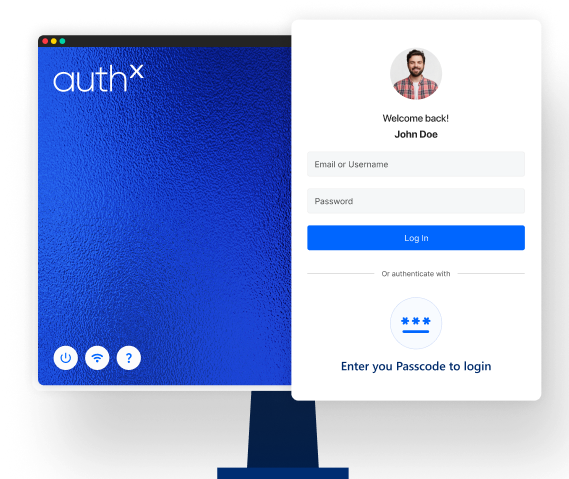
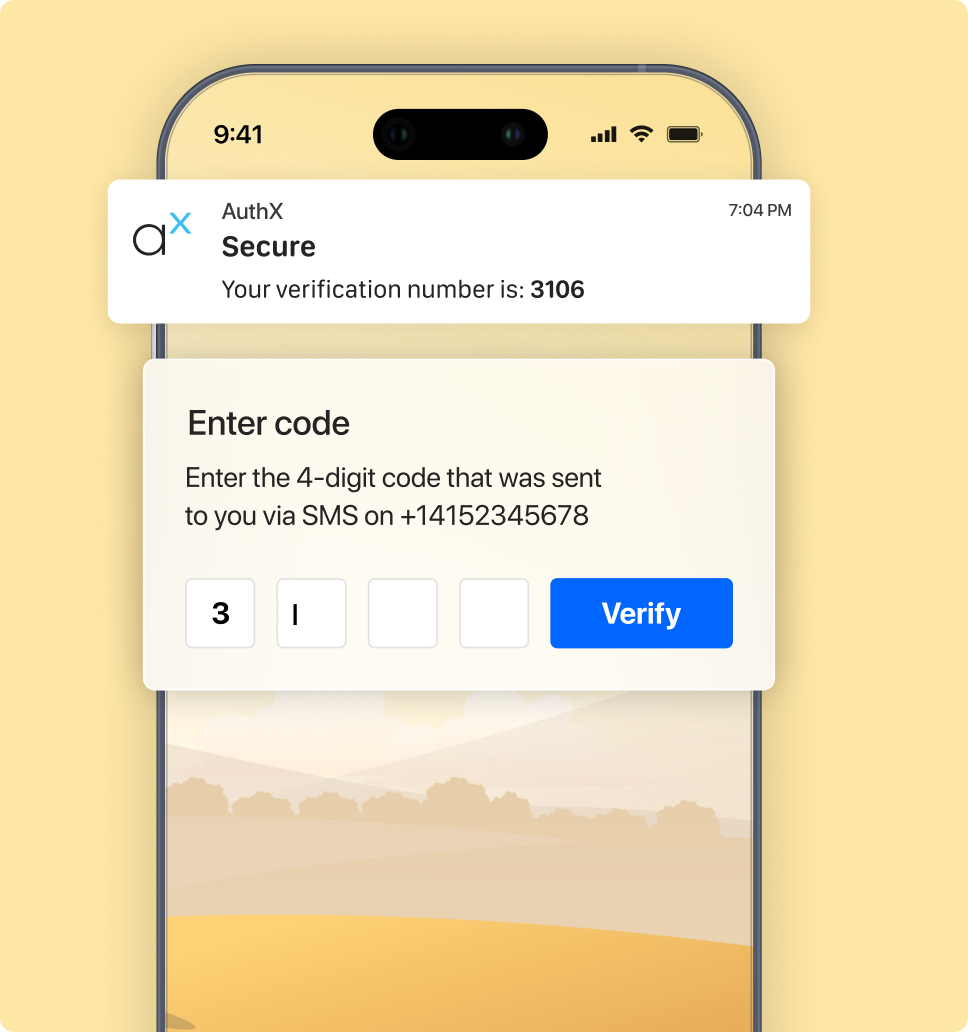
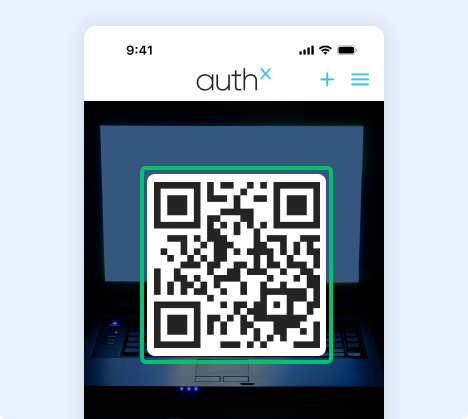
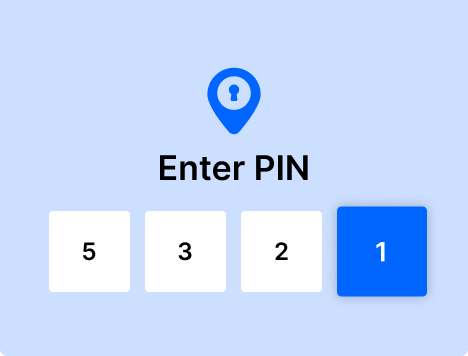
Use the offline 2FA login option to authenticate with or without an internet connection. This authentication factor can be useful when your computer is not connected to the internet. When a user scans the QR code on the screen with the AuthX mobile app, the offline authentication factor validates the user’s identity by sending an OTP to the user’s registered mobile phone. This option also enables offline two-factor authentication for added security. Our offline MFA software provides an extra layer of protection for your data even without a connection to the internet.
The simple steps below will enable AuthX Offline Login mode. Users will be able to authenticate their workstations without the need for an internet connection.
Select the Offline Login option on your computer.
Using the AuthX mobile app, scan the QR code.
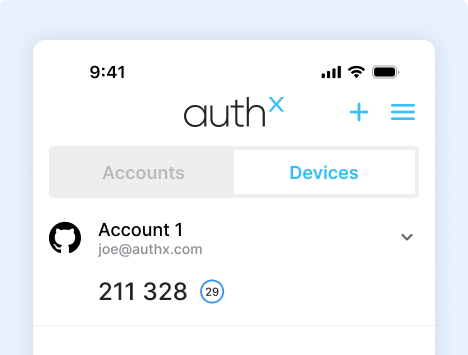
A 6-digit pin will be displayed in your AuthX mobile app.
To gain access to your workstation, enter your computer’s pin.
Frequently Asked Questions
What is the difference between Online and Offline authentication methods
To authenticate online, you must have an internet connection. However, offline MFA mode will work both with and without internet connectivity.
Does the offline log in mode only work when the internet is unavailable?
No, offline authentication can work with both types of connectivity.
What other log in options are available in the AuthX app?
Push Notification, OTP, TOTP, Phone Call, and Offline Log in Mode are all available
Is it possible for Offline Login to provide the same level of security as the other AuthX Authentication factors?
Yes, Offline Login offers the same level of security as the other AuthX authentication factors.
To Access this content, Please fill in the details below.