

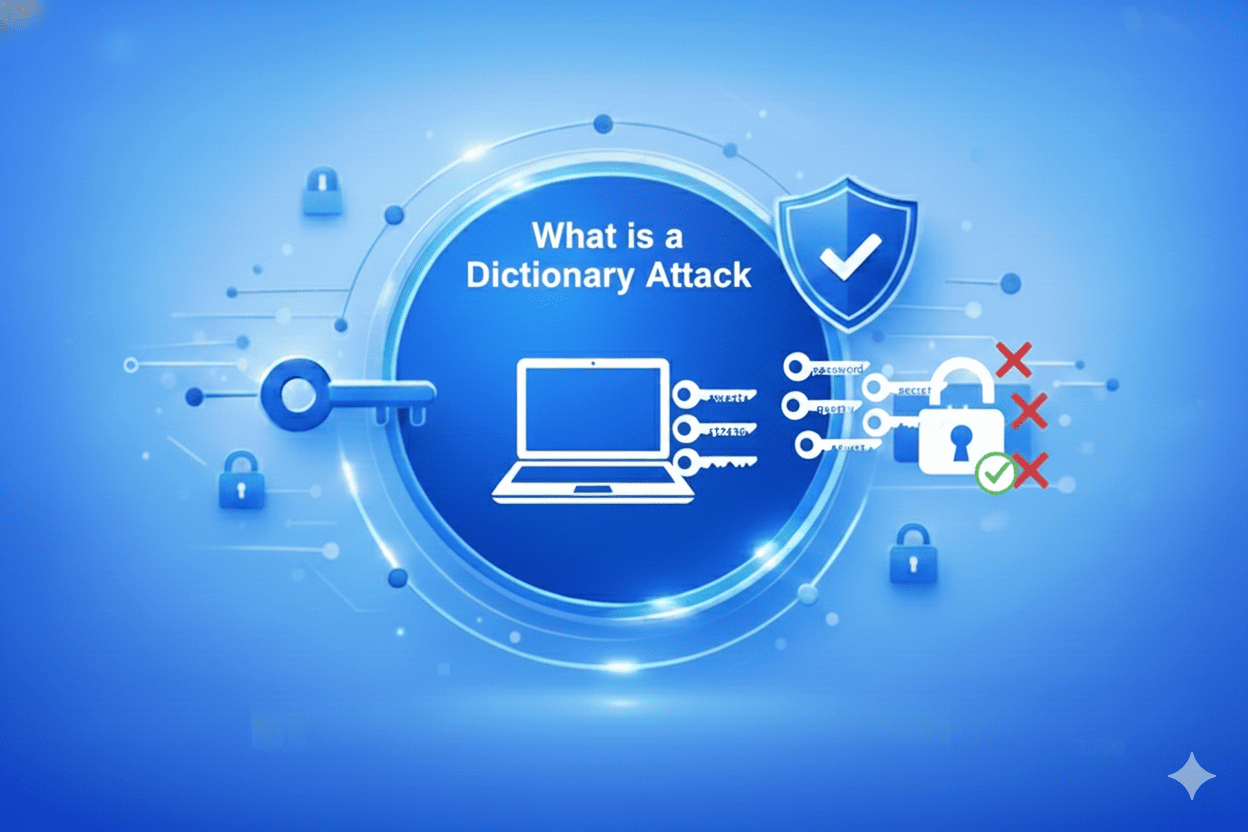

A dictionary attack is one of the oldest yet most effective password-cracking techniques in cybersecurity.
In a dictionary-based attack, hackers use a predefined list of common words, phrases, or passwords and systematically try each one until they find a match. This same technique can also be used to uncover encryption keys or unlock password-protected files and systems.
The dictionary attack definition is simple – it’s an automated guessing method that relies on human predictability. Because many people and organizations continue to use easy, familiar words like password, welcome1, or 123456, dictionary attacks on passwords still succeed in modern systems.
Unlike random brute-force attempts that try every possible combination of characters, a password dictionary attack narrows the search space to words and variations that real users are likely to choose. Modern attacks are far more advanced they use “smart” wordlists enriched with real breach data and pattern substitutions (like P@ssw0rd or Summer2024!), making even slightly complex passwords vulnerable.
Strong, randomly generated passphrases long strings with unpredictable combinations of letters, numbers, and symbols are your best defense. Using a password manager and enabling MFA ensures that even if one password is exposed, attackers can’t use it.
How Do Dictionary Attacks Work?
A dictionary attack works by cycling through curated lists of likely passwords, betting on the fact that most users pick simple, easy-to-remember combinations. Attackers tailor their dictionary attacks on passwords by geography, language, or interest.
For instance, if the target is in New York, they may test credentials like knicksfan2020 or newyork123. These lists are dynamic and often pulled from real-world breach data, reflecting the actual passwords people use every day.
Because these lists are massive, attackers don’t test them manually. Automated password dictionary attack tools test thousands or millions of passwords per second. Online systems limit how many failed attempts are allowed, so attackers “go slow” spreading attempts across many accounts to avoid detection. Offline attacks, however, have no such limit. Once a hacker steals a password hash or encrypted file, they can perform unlimited guesses until they find a match.
This is why dictionary attacks are successful: they are easy to automate, require minimal skill, and exploit weak human password habits. GPU-based cracking tools can test millions of passwords per second, meaning short or common passwords stand no chance; even those that “look” unique.
To counter this, enforce password complexity, limit login attempts, and deploy MFA or Passwordless authentication. Those steps make your systems far more resistant to dictionary attacks on passwords.
Types of Tools Used in Dictionary Attacks
Attackers and penetration testers use different categories of tools to conduct a dictionary-based attack. Understanding them helps organizations improve their dictionary attack mitigation strategy.
1. Offline Hash Crackers (GPU-Accelerated)
- Purpose: Test wordlists and variations against stolen password hashes offline.
- Examples: Hashcat, John the Ripper.
- Mitigation: Use strong salted hashing (Argon2/bcrypt), enforce passphrase length, and monitor for data exfiltration.
2. Online Protocol Guessers
- Purpose: Attempt live logins across SSH, RDP, or FTP using dictionary wordlists.
- Examples: Hydra, Ncrack, Medusa.
- Mitigation: Disable password-based logins, restrict by IP, and set rate limits.
3. Web Form / API Automation Tools
- Purpose: Automate login attempts against web forms and APIs.
- Examples: Burp Suite, OWASP ZAP.
- Mitigation: Secure login endpoints with WAF, CAPTCHA, and bot detection.
4. Wordlist Generators & Mutation Engines
- Purpose: Generate custom wordlists with character substitutions or mangling rules.
- Examples: Crunch, CeWL, built-in mutation tools.
- Mitigation: Ban predictable passwords, enforce entropy checks.
5. Credential Replay / Stuffing Frameworks
- Purpose: Use leaked credentials from previous breaches as the dictionary source.
- Examples: Credential-stuffing automation kits.
- Mitigation: Block breached passwords and enforce unique login credentials.
6. Wireless and IoT Crackers
- Purpose: Attack Wi-Fi handshakes and IoT devices using password wordlists.
- Examples: Aircrack-ng, Hashcat (WPA/WPA2).
- Mitigation: Use WPA3, rotate default passwords, and enforce long passphrases.
7. Proxy / Botnet Distribution Tools
- Purpose: Spread login attempts across many IPs to evade detection.
- Mitigation: Apply global velocity limits and device fingerprinting.
8. Penetration Testing Suites
- Purpose: Combine dictionary and brute-force testing in enterprise audits.
- Examples: Kali Linux toolset, commercial pentest platforms.
- Mitigation: Review and patch findings promptly to strengthen authentication posture.
Prevention Tips to Protect Against Dictionary Attack
Effective dictionary attack mitigation requires both policy enforcement and modern authentication layers.
To stay ahead of potential threats, here are some crucial prevention tips to follow:
1. Mandate True Password Randomness
Ensure passwords cannot be guessed or derived from dictionary words. Random, long, non-repetitive passphrases stop most dictionary-based attacks before they start.
2. Enforce Minimum Length Requirements
Require passwords of 12–14 characters or longer. The longer the password, the harder it is for a password dictionary attack to succeed, making brute-force approaches computationally impractical.
3. Implement Multi-Factor Authentication (MFA)
MFA adds a second verification layer, ensuring that even if a password is cracked through a dictionary attack, it can’t be used without the additional factor.
4. Apply Adaptive Rate Limiting
Monitor login attempts and dynamically slow down suspicious activity. Adaptive rate limiting stops dictionary attacks on passwords from scaling through automation.
5. Force Default Password Changes
Require users to reset temporary or default passwords upon first login. These are usually the first entries in every attacker’s dictionary-based attack list.
6. Block Known Compromised Passwords
Use password blacklists and threat intelligence feeds to prevent users from setting weak or breached credentials. This simple control greatly reduces why dictionary attacks are successful in the first place.
Conclusion
A dictionary attack remains one of the most common and underestimated threats to modern authentication systems. Why are dictionary attacks successful? Because humans are predictable. Weak, reused, and dictionary-based passwords make it easy for attackers to gain access without sophisticated exploits.
Fortunately, these dictionary attacks on passwords are completely preventable. Strong passphrase policies, continuous monitoring, and enforcing Multi-Factor Authentication (MFA) or Passwordless authentication make dictionary attack mitigation achievable at scale.
Security today is about eliminating guessable secrets altogether. By adopting smarter, adaptive authentication, and passwordless strategies, enterprises can finally close the door on the dictionary attack permanently.
FAQs
How does a password dictionary attack work in practice?
A password dictionary attack works by systematically testing words and phrases from a pre-compiled list, or dictionary, to guess user passwords. This dictionary-based attack relies on common and predictable choices, exploiting weak password habits. It’s faster than brute force because it focuses only on likely combinations.
What are common examples of dictionary attacks?
Common dictionary attacks on passwords include using leaked wordlists from past breaches, testing common passwords like “Password123,” or region-specific terms such as sports teams or city names. These dictionary attacks succeed because many users still create simple, guessable credentials.
How can organizations detect dictionary attacks in progress?
To detect a dictionary attack in progress, monitor authentication logs for multiple failed login attempts, repeated use of common passwords, and login spikes from unusual IP addresses. Behavioral analytics and adaptive rate limiting are key components of effective dictionary attack mitigation.
Can Multi-Factor Authentication (MFA) stop dictionary attacks?
Yes. Multi-Factor Authentication (MFA) is one of the strongest defenses against dictionary attacks on passwords. Even if a password is guessed, the attacker cannot log in without the second verification factor, effectively neutralizing the password dictionary attack.
How can passwordless authentication prevent dictionary attacks?
Passwordless authentication eliminates static passwords entirely, removing the attack surface that makes dictionary attacks possible. By replacing passwords with biometrics or cryptographic keys, organizations can prevent every type of dictionary-based attack from the start.
What are the signs that a system has been targeted by a dictionary attack?
Signs of a dictionary attack include sudden spikes in failed logins, repeated lockouts, or login attempts from diverse IP addresses using similar password patterns. Recognizing these anomalies early allows for quick dictionary attack mitigation and stronger password policy enforcement.