
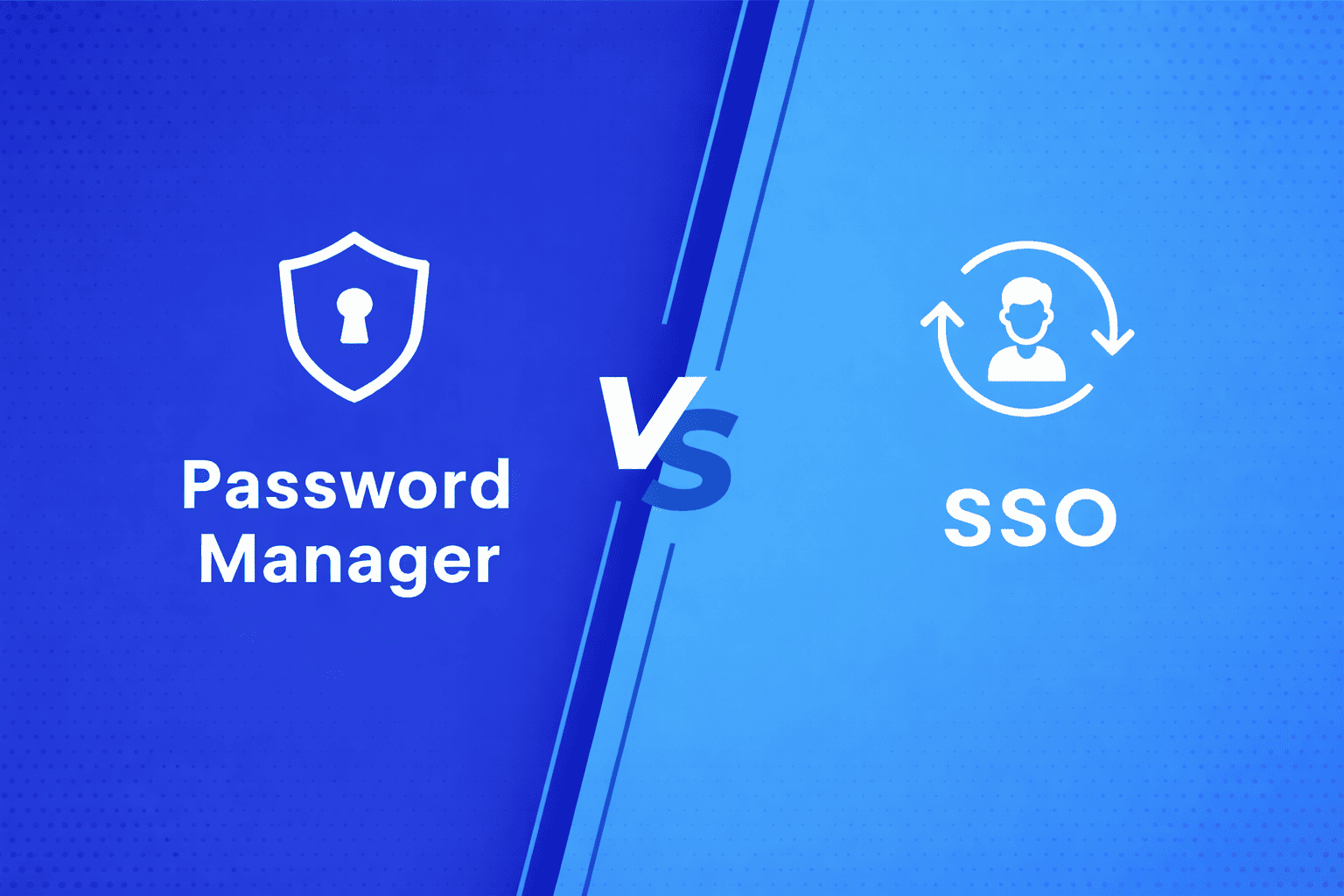

Password managers and Single Sign-On (SSO) both make logging in easier, but they are different tools. Each lets you use one set of credentials to access many applications, which is why people often mix them up.
Even so, the way they handle your data and grant access is fundamentally different. While a password manager stores many secrets in a digital vault, SSO uses a single “master key” to verify your identity across your entire work suite. Understanding these differences is key to choosing the right security strategy for your organization.
What is Single Sign-On (SSO)?
Single Sign-On (SSO) is an authentication method that lets users access multiple applications with just one login. You can eliminate the juggle between different usernames and passwords for every platform. Users simply sign in once to securely access all their authorized apps, no repeated logins required.
Beyond convenience, SSO enhances both productivity and security. It reduces password fatigue, minimizes the risk of weak or reused credentials, and ensures a smoother experience for users. By applying modern protocols like SAML, OAuth, and OIDC, SSO helps organizations simplify access while maintaining strong identity protection across every connected system.
What is Password Manager?
A password manager is a secure digital vault that stores and manages all your login credentials in one place. Instead of reusing weak passwords or struggling to remember dozens of logins, it generates strong, unique passwords for every account and stores them securely.
With a password manager, you only need to remember one master password, the key that unlocks all your other credentials. It’s a simple yet powerful way to stay secure online, which saves time and eliminates password-related frustration.
SSO vs Password Manager: The Major Differences
While both tools solve the problem of “too many passwords,” they do so use very different technology. A password manager remembers your secrets, while SSO replaces the need for multiple secrets entirely.
The table below helps you understand better:
| Feature | Single Sign-On (SSO) | Password Manager |
|---|---|---|
| Core Concept | A single "Master Key" that authenticates you for all connected apps. | A digital "Vault" that stores and auto-fills individual passwords. |
| How it Works | Uses trust protocols (like SAML or OIDC) to tell apps, "This user is verified." | Stores encrypted passwords and pastes them into login fields for you. |
| Setup Effort | Higher: Requires IT integration with each business application. | Lower: Users just install an app/extension and start saving passwords. |
| User Experience | One login per day; seamless transitions between apps. | Users still "have" passwords, but the manager types them in. |
| Security Control | Centralized: IT can revoke access to all apps instantly from one dashboard. | Decentralized: Harder for IT to manage if users save personal or weak passwords. |
| Best Use Case | Corporate environments and managed business toolsets. | Individual users, small teams, or accessing apps that don't support SSO. |
To be specific, SSO provides organization-wide simplicity and security, while password managers offer personalized convenience and control. The right choice depends on whether you’re securing a business ecosystem or managing personal credentials.
Benefits and Challenges: SSO vs Password Manager
When comparing SSO vs. Password Manager, both solutions offer distinct advantages but also have their own challenges. Knowing them better helps organizations choose the best fit for their security and usability goals.
Benefits of SSO
1. Seamless User Experience
With Single Sign-On (SSO), users log in once and gain instant access to all their authorized applications. No more juggling multiple usernames and passwords, just a single, smooth sign-in process that boosts productivity and reduces login frustration.
2. Stronger Security
By reducing password fatigue and centralizing authentication, SSO minimizes the risk of weak or reused passwords. It promotes stronger password policies and makes it harder for attackers to exploit user credentials.
3. Centralized Access Control
For administrators, SSO offers a single control point for managing who has access to what. This centralization not only enhances security but also simplifies compliance and audit reporting, a must for regulated industries.
Challenges of SSO
1. Limited Coverage
SSO works best within an organization’s internal ecosystem or connected apps. However, it’s not typically designed for use across unrelated external platforms or personal websites.
2. Dependence on the Identity Provider
Since SSO relies on a central identity provider, that system becomes critical to security. If it experiences downtime or a breach, it could affect access to multiple applications at once.
Benefits of a Password Manager
1. Strong, Unique Passwords
Password managers create and store highly secure, unique passwords for each account. This eliminates the danger of password reuse and helps users maintain strong, consistent credential hygiene.
2. Cross-Platform Flexibility
Unlike SSO, password managers can be used across various platforms, from personal websites to cloud services. They’re perfect for individuals or businesses managing multiple, unrelated logins.
3. Offline Access
Most password managers support local credential storage, so users can still access their logins even without an internet connection, making them appropriate for travel or limited connectivity scenarios.
Challenges of Password Manager
1. Master Password Dependency
All passwords are protected by one master key. If users forget or lose it, they could be locked out of every stored account and there’s no recovery shortcut.
2. Security Risks
Although encryption makes password managers secure, a compromised master password or a successful phishing attack could expose all stored credentials.
How SSO and Password Manager Solutions Can Work Together?
Rather than looking at SSO vs. Password Managers as a competition, smart organizations treat them as a powerful partnership. Using both creates a “complete” credential strategy that covers every corner of a user’s digital life.
The Perfect Partnership
- SSO for the Core: Single Sign-On handles your primary work suite, providing a seamless, one-click login experience for major enterprise tools while giving IT centralized control.
- Password Managers for the Gaps: A password manager acts as the “safety net,” securing personal accounts, legacy apps, and third-party sites that don’t support SSO protocols.
The Combined Impact
By bridging these two tools, you close the “security gaps” that arise when users are forced to manage non-SSO passwords on their own. This hybrid approach simplifies onboarding for employees and vendors alike, ensuring that every login, whether inside or outside the company boundaries, is encrypted and secure.
Ultimately, combining SSO and password managers removes the burden of “password juggling,” offering a flexible, high-security experience that boosts productivity without sacrificing safety.
How to Choose the Right Solution for Your Company or Platform?
Confused about what to choose? SSO or Password Manager, there’s no one-size-fits-all answer; it depends on your company’s structure, scale, and security goals.
If your business relies on multiple internal applications and needs centralized control, SSO is the smarter choice. It gives employees one secure entry point and IT teams full visibility into who accesses what.
However, if you’re managing multiple accounts across unrelated platforms such as marketing tools, client portals, or personal logins, a password manager might be more practical.
The key takeaway? It’s not mandatory to pick one. Many organizations find that using SSO for internal access and password managers for external or personal accounts delivers the perfect balance of security, simplicity, and scalability.
AuthX SSO and Password Manager: Simplifying Access, Strengthening Security
Managing countless logins shouldn’t be a daily struggle, and with AuthX SSO and Password Manager, it doesn’t have to be. Together, they deliver a smarter, seamless, and more secure way to access your digital workspace.
Single Sign-On (SSO)
AuthX Single Sign-On (SSO) allows users to sign in once and instantly access all their enterprise applications with a single set of credentials. No more juggling passwords, no more lockouts, just fast, secure access that boosts productivity and minimizes risk. Ditch the habit of putting weak or reused passwords; SSO strengthens overall security while giving employees a smoother login experience.
Password Manager
AuthX Password Manager, on the other hand, acts as a secure digital vault that stores and auto-fills your credentials for websites and applications. With one master password, users can safely manage all their logins without the stress of forgetting or reusing weak passwords.
Key Features of AuthX SSO with Password Manager
- Single Sign-On (SSO): Instantly access multiple enterprise applications with just one secure login.
- Multi-Factor Authentication (MFA): Add extra protection by verifying identity through multiple factors before granting access to cloud accounts, apps, or networks.
- Password Policy Manager: Automatically enforce strong password policies to keep credentials secure.
- Role-Based Password Policies: Apply different password rules depending on the user’s role or access level.
- Password History Management: Prevent password reuse by maintaining a history of previously used passwords.
- Password Audit Policy: Track user activity from logins and password changes to overall password strength for complete visibility.
- Auto-Lock for Inactive Users: Automatically lock accounts that remain unused for a defined period to prevent unauthorized access.
- Integration with Existing Systems: Connect seamlessly with your Active Directory, LDAP, ADFS, HR systems, Microsoft 365, G-Suite, or CRM for unified SSO access.
With AuthX SSO and Password Manager, managing multiple accounts becomes effortless and security becomes stronger by design. As your organization grows and expands across cloud platforms, AuthX ensures users stay connected securely without relying on repetitive, weak passwords.
Future Trends in Password Security with SSO
Modern security is moving away from old-school passwords toward smarter, more “invisible” protection. Here is a simple breakdown of where the technology is heading:
- Goodbye Passwords: Instead of typing a code, you use Biometrics (like your face or fingerprint) Passkeys. These are much harder to steal and faster to use.
- Smart Security (AI & ML): Systems now use Artificial Intelligence to learn your habits. If you suddenly log in from a new country at 3:00 AM, the AI notices the “weird” behavior and asks for extra proof that it’s really you.
- Context-Aware Access: Security becomes “fluid.” If you are on your office laptop at your desk, the system stays out of your way. If you use a public kiosk, it automatically gets stricter.
- Trust Nobody (Zero Trust): The network stops assuming you are safe just because you are “inside” the building. Zero Trust double-checks your identity and only gives you the specific files you need for that moment.
- Stronger Session Locks: To stop hackers from “hijacking” your logged-in session, security tokens now expire faster and refresh more often, making them useless if stolen.
The goal isn’t just stronger passwords; it’s a smarter, simpler, and safer authentication experience that eliminates password fatigue while keeping every account protected.
FAQs
What’s the difference between a Password Manager and Single Sign-On (SSO)?
A Password Manager securely stores and auto-fills credentials for multiple accounts, while SSO (Single Sign-On) allows users to log in once and access all authorized apps without re-entering passwords.
Which is more secure — SSO or a Password Manager?
SSO offers stronger security because it reduces password usage and integrates with modern protocols like SAML, OAuth, and OpenID Connect. Password managers still improve security by generating and storing strong, unique passwords, but SSO minimizes the risk of phishing and password reuse entirely.
Should my company use both SSO and a Password Manager?
It’s true many organizations benefit from using SSO and password management together. SSO simplifies access for internal apps, while password managers cover external tools or websites that aren’t SSO-enabled.
How does SSO improve user experience?
With SSO, users log in once and gain access to all connected apps without juggling multiple passwords. This saves time, reduces password fatigue, and lowers frustration leading to higher productivity and fewer IT helpdesk tickets.
Are Password Managers still relevant if I have SSO?
Yes! Password Managers remain relevant for accounts outside your company’s SSO ecosystem, such as personal logins, third-party vendors, or niche tools that don’t support SSO.
What are the risks of using a Password Manager?
If a user’s master password or device is compromised, all stored credentials could be at risk. Choosing an enterprise-grade password manager with zero-knowledge encryption, MFA, and audit controls can significantly reduce these risks.
Does SSO make my system vulnerable if one account is hacked?
A well-configured SSO system actually reduces the attack surface. Even though a single credential grants broad access, strong Multi-Factor Authentication (MFA), adaptive access controls, and behavioral monitoring prevent unauthorized entry.
Which solution is easier to deploy — Password Manager or SSO?
Password managers are quicker to roll out since they’re mostly plug-and-play. SSO, however, requires integration with identity providers and apps, but once configured, it scales efficiently across users and systems saving time long-term.
How does AuthX help combine SSO and Password Management?
AuthX SSO and Password Vault provide a unified solution that offers single sign-on for integrated apps and a secure password vault for non-SSO logins. This hybrid approach delivers both convenience and enterprise-grade security under one platform.